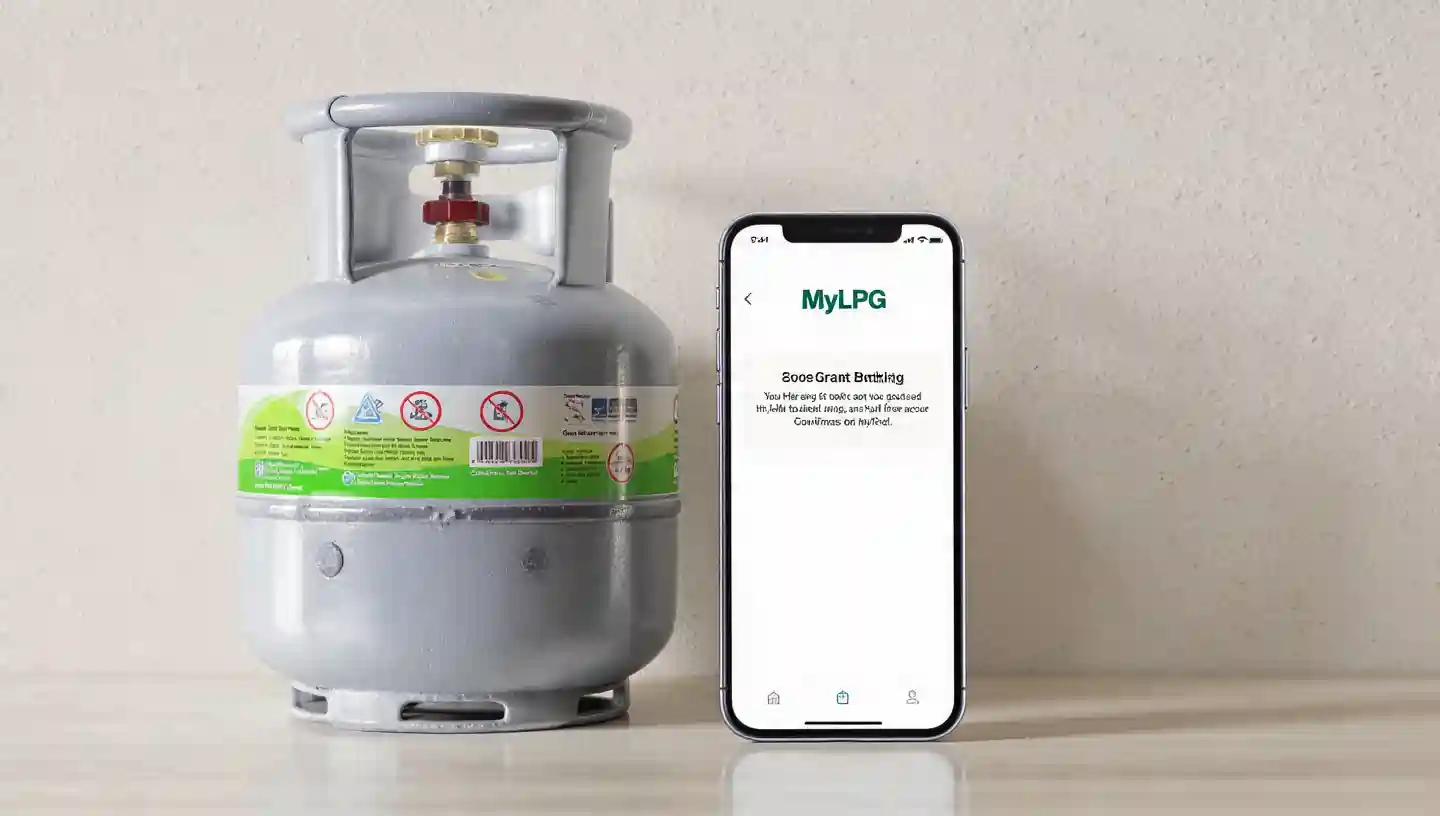
Booking your HP Gas cylinder online is easy, fast, and convenient. You can place your order, track delivery, and check your subsidy status from home without going to the gas agency.
Here’s how to book HP Gas online step by step.

Step 1: Login or Register
- Visit the official HP Gas website or download the HP Gas mobile app.
- Register with your 10-digit consumer number and mobile number.
- If you are already registered, log in using your mobile number and password.
Your consumer number is printed on your cylinder book or LPG ID card.
Step 2: Book Your Cylinder
- Go to the “Book Cylinder” section.
- Select the cylinder type (Domestic 14.2kg / Commercial 19kg etc.)
- Confirm your delivery address.
- Choose subsidy applicable or full cash payment.
- Click Submit.
You will receive a booking confirmation and reference number.
Some apps also show expected delivery date.
Step 3: Check Subsidy Status
To check your LPG subsidy:
- Go to the HP Gas Subsidy or DBTL section on the website or app.
- Enter your consumer number or Aadhaar number.
- Submit to view the subsidy amount credited, pending, or the date of the last payment.
The subsidy goes directly into your bank account under the PAHAL scheme.
Step 4: Track Your Cylinder Delivery
- Go to the “Track Cylinder” option.
- Enter your booking reference number.
- Check status: booked, in-transit, or delivered.
Tracking helps avoid delays and ensures timely cylinder delivery.
Benefits of HP Gas Online Booking
- Saves time; no need to visit the agency
- Secure and hassle-free process
- Transparent subsidy updates
- Easy tracking of delivery
- Reduces errors in booking
Online booking ensures your cylinder reaches safely and on time.
📖 Read Also
1️⃣ LPG Gas Cylinder Price Today
2️⃣ Ujjwala Yojana जानकारी
3️⃣ KisanSuvidha Goverment Scheme
4️⃣ Bajrang Baan PDF – बजरंग बाण पाठ, लाभ और महत्व
5️⃣ Shiv Stuti Lyrics – शिव स्तुति का पाठ और अर्थ