LPG cylinders are an important part of every Indian household for cooking. Many people are unsure how to book their cylinder online, check prices, or track subsidies. If you are wondering, “How can I book my gas cylinder quickly and check my subsidy?” this guide has all the answers.
We will provide step-by-step instructions for booking an Indane LPG cylinder, online payment options, and subsidy tracking, so your cooking gas needs are met easily.
Step 1: How to Book Indane Gas Cylinder Online
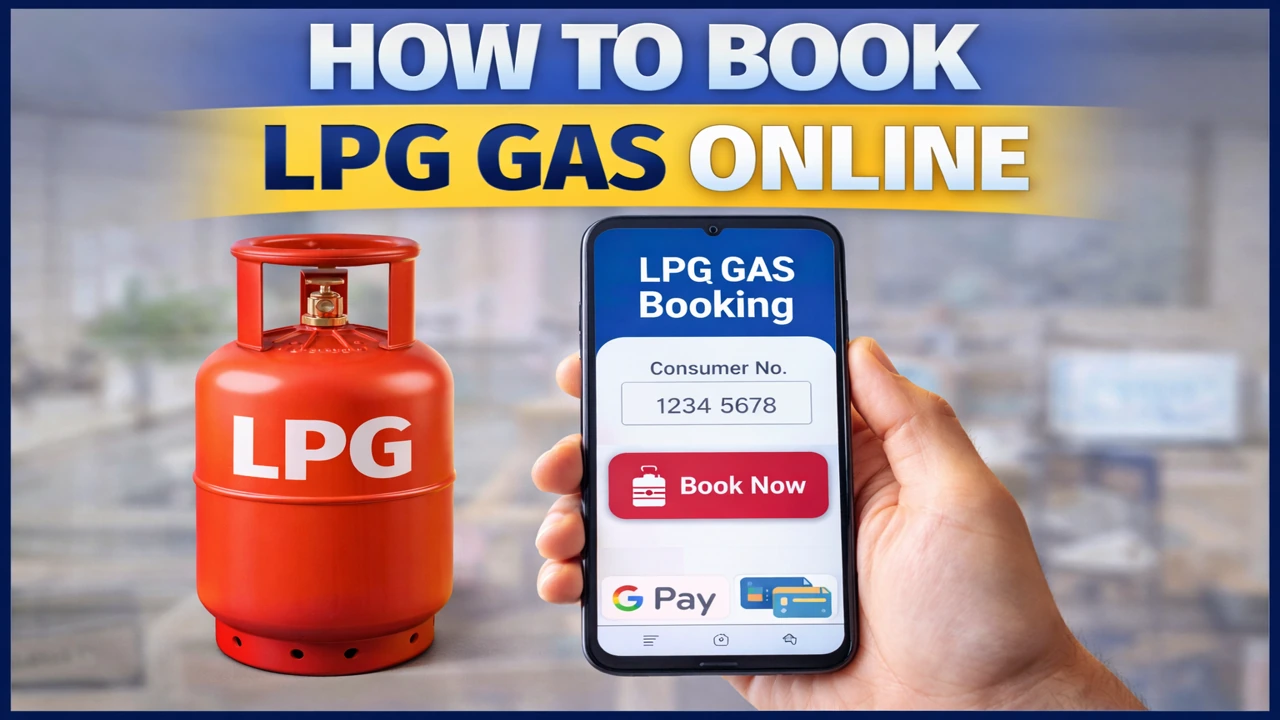
Booking an Indane LPG cylinder online is simple. You can use the official website or the mobile app.
Visit the official Indane LPG website or download the Indane mobile app.
Log in with your registered mobile number or consumer ID.
Select your LPG connection.
Choose a payment method, either online payment (UPI, net banking, debit/credit card) or cash on delivery.
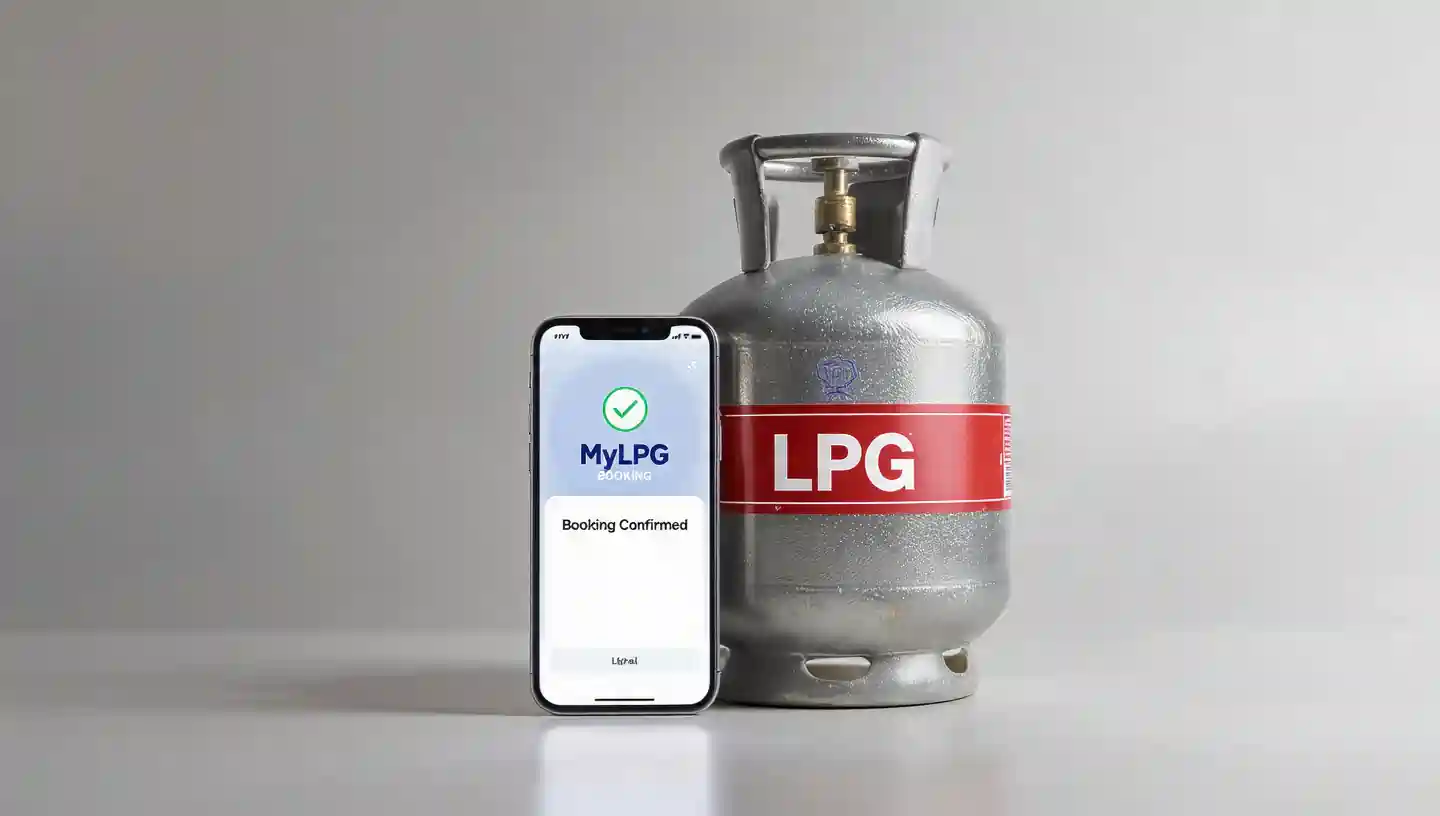
Confirm your booking and save the transaction ID for future reference.
Tip: You can also book by using IVRS (telephone booking) or by going to your nearest distributor.
Step 2: Check Indane LPG Cylinder Price
LPG prices vary depending on the state and subsidy type.
- Check the latest prices on the official Indane LPG website or via MyLPG portal.
- Non-subsidized cylinders are slightly more expensive.
- Keeping track of prices ensures you know the charges before booking.
Step 3: How to Check Indane Gas Subsidy
If your cylinder falls under a government subsidy scheme (PAHAL, Ujjwala Yojana), you may be eligible for a discount. Here’s how to check:
- Visit the Indane LPG official website.
- Go to Customer Services → LPG Subsidy Status.
- Enter your 17-digit consumer ID or registered mobile number.
- Select the bank account linked to your LPG connection.
- Click Check Status to see the subsidy amount and date credited.
💡 Tip: Keep your consumer ID and bank account details handy for faster checking.
Step 4: Track Delivery
- After booking, you can track the delivery status online.
- Use the website or mobile app to see real-time updates.
- Cylinders are generally delivered within 1–2 days by certified delivery personnel.
Tips for Smooth Online Booking
Book your cylinder before it runs out.
Keep your distributor details updated.
Avoid last-minute bookings during festivals or busy seasons.
Make sure your mobile number, address, and consumer ID are correct.
Why Use MyLPG or Online Booking?
Convenience: Manage everything from your phone or computer.
Fast Booking: Skip long lines at the distributor.
Accurate Price and Subsidy Info: Stay updated at all times.
Secure Payments
FAQs
Yes, you can book via IVRS call or by visiting your nearest distributor.
Typically, 1 refill per month per household connection is standard, but extra bookings are allowed if necessary.
Use the Indane website or MyLPG app with your consumer ID.
Subsidy transfers may take 1–2 days. Contact your distributor if it hasn’t been credited.
Yes, the official portal ensures secure and encrypted transactions.
Conclusion
Booking Indane LPG cylinders online is easy and convenient. By following this guide, you can make sure of timely delivery, track your subsidy correctly, and cook smoothly without any stress.
📖 Read Also
1️⃣ LPG Gas Cylinder Price Today
2️⃣ Ujjwala Yojana जानकारी
3️⃣ KisanSuvidha Goverment Scheme
4️⃣ Bajrang Baan PDF – बजरंग बाण पाठ, लाभ और महत्व
5️⃣ Shiv Stuti Lyrics – शिव स्तुति का पाठ और अर्थ