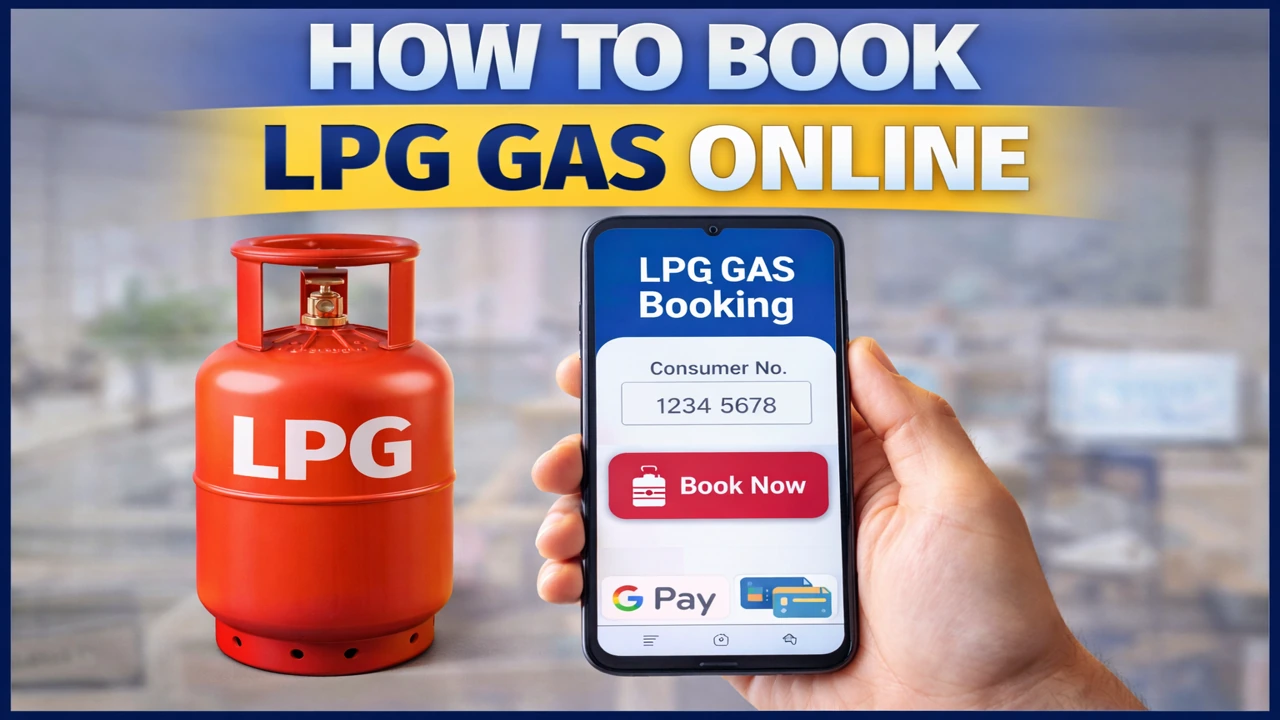
Today, standing in long queues or repeatedly calling the gas distributor is no longer necessary. With digital services, anyone can book LPG gas online in just a few minutes.
Whether you use Indane, Bharat Gas, or HP Gas, the online booking process is almost the same across all providers.
In this guide, you will learn:
- How to book LPG gas online using a mobile phone
- How to book LPG gas online using a computer
- What details are required for booking
- Common mistakes and how to avoid them
📱 Why You Should Book LPG Gas Online
Online LPG booking offers several advantages over traditional methods:
✔ 24×7 booking facility
✔ No waiting in lines or calling distributors
✔ Instant booking confirmation
✔ Easy delivery tracking
✔ Complete booking history
✔ Smooth subsidy and payment linkage
That’s why millions of households now prefer to book LPG gas online instead of offline methods.
🪪 Things You Need Before Booking LPG Gas Online
Before starting the online booking process, keep the following ready:
- Registered mobile number
- LPG consumer number or LPG ID
- Distributor name
- Internet connection
- UPI / debit card / credit card / net banking (optional)
If your mobile number is not linked to your LPG account, online booking may fail.
🌐 How to Book LPG Gas Online Using the Official Website
Follow these simple steps:
Step 1: Visit the Official LPG Website
Open the official website of your gas provider (Indane, Bharat Gas, or HP Gas).
Step 2: Log In or Continue as Guest
Log in using your registered mobile number or consumer number.
Step 3: Enter Consumer Details
Fill in your:
- Registered mobile number
- LPG consumer number or LPG ID
Step 4: Click on “Book Refill”
Select the option to book a cylinder or refill.
Step 5: Confirm Address and Distributor
Verify your delivery address and distributor details carefully.
Step 6: Make Payment (Optional)
Choose one of the following:
- Cash on delivery
- UPI
- Debit or credit card
Step 7: Booking Confirmation
You will receive an SMS with your booking reference number.
This is the official and safest way to book LPG gas online.
📲 How to Book LPG Gas Online Using a Mobile App
All major LPG companies provide official mobile apps.
The process is very simple:
- Download the official LPG app
- Log in using your registered mobile number
- Select “Book Refill”
- Confirm delivery details
- Complete payment if required
Using the app, you can also:
✔ Track delivery status
✔ Change distributor
✔ Download invoices
✔ Check subsidy status
Mobile apps are often the fastest way to book LPG gas online.
☎️ Other Online Methods to Book LPG Gas
If the website or app is not accessible, you can also book LPG through:
- SMS service
- IVR (interactive voice response) calls
- WhatsApp booking (available in some areas)
- Trusted online payment apps
However, official websites and apps remain the most reliable options.
⚠️ Common Problems While Booking LPG Gas Online
Some common issues users face include:
- Mobile number not linked
- Incorrect consumer number
- Distributor mismatch
- Payment failure with pending booking
- No confirmation SMS
Most issues can be resolved by:
✔ Updating KYC
✔ Correcting mobile number details
✔ Contacting the distributor once
💡 Smart Tips for Smooth LPG Online Booking
- Always save your consumer number
- Link Aadhaar and bank account properly
- Check booking status after confirmation
- Keep the booking SMS until delivery
- Avoid fake websites and agents
These steps make your online LPG booking safe and hassle-free.
🌟 Final Thoughts
Knowing how to book LPG gas online has become a basic life skill. It saves time, reduces stress, and gives you full control over your gas service.
Whether you live in a city or a village, online LPG booking is currently the fastest and safest option.
Once you use it a few times, you will never want to return to offline booking.
❓ FAQs – How to Book LPG Gas Online
Yes, you can choose cash on delivery.
Usually between 1 and 3 working days.
Yes, as long as you use official company websites or apps.
Yes, cancellation is available before delivery.
Yes, a booking reference number is sent to your registered mobile number.